Say what you do at the top of the page
A visitor should not have to study your photographs to work out your profession. State your service clearly: interior design, commercial photography, web design, or another specific discipline. Add the kind of clients or projects you work with. A short, accurate introduction is more useful than a broad statement about creativity.
Choose projects that match the work you want
Select projects that demonstrate your relevant skills rather than including everything you have ever completed. For each project, explain the brief, your role, and the finished work. If a project was collaborative, distinguish your contribution. Label personal concepts as concepts so a potential client does not mistake them for commissioned work.
Give each category a clear purpose
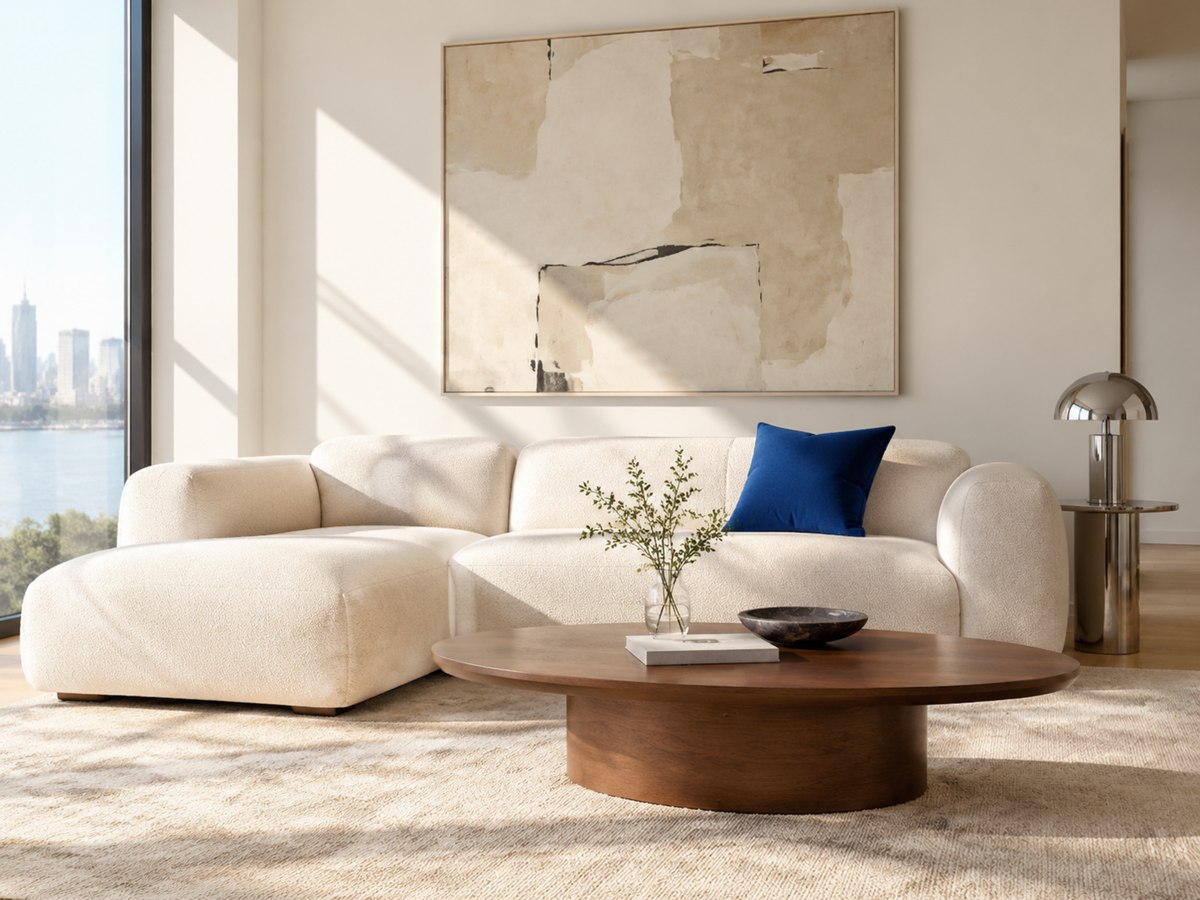
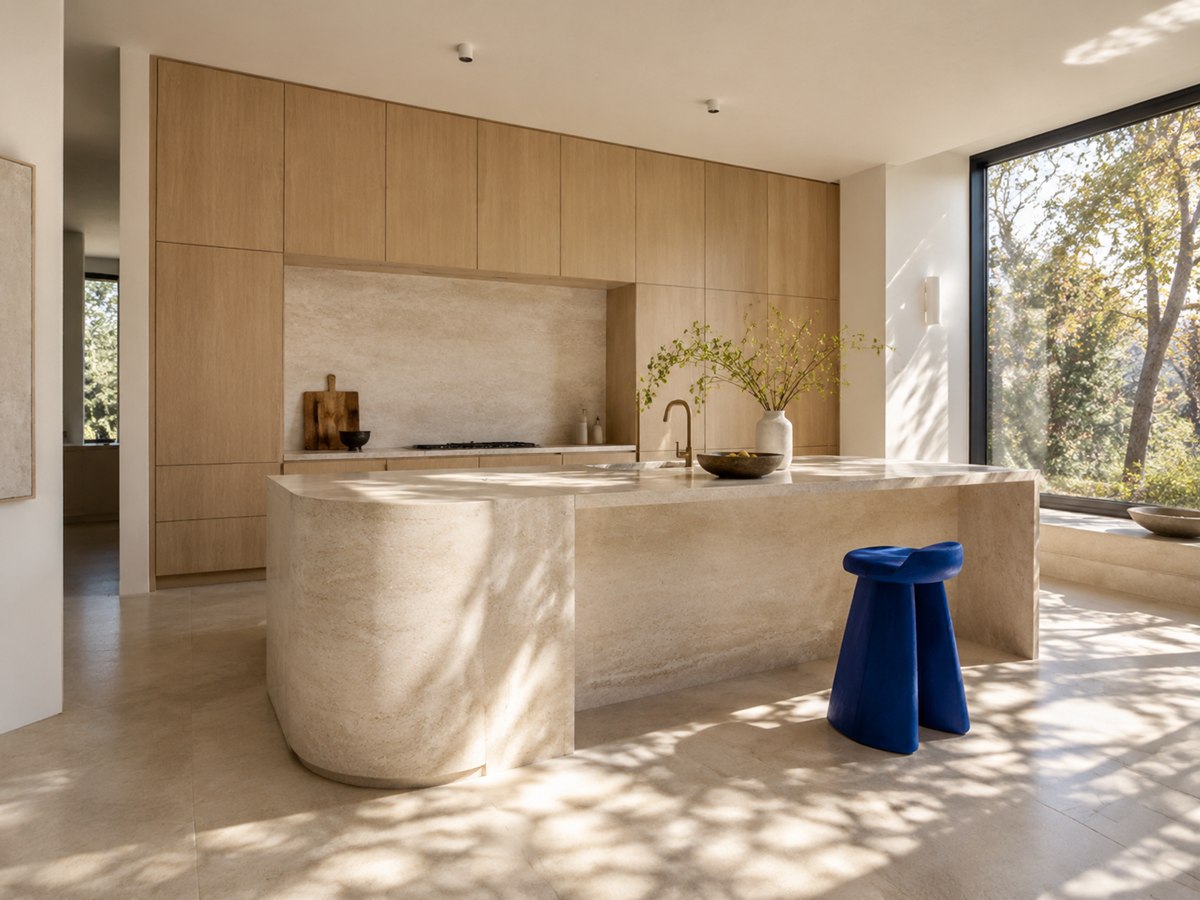
Categories help when your projects fall into genuinely different services or formats. An interior design portfolio might group kitchens, wardrobes, and living areas. Avoid creating many near-empty categories. Use labels your clients would recognize, and include a short explanation when a category name is not self-explanatory.
Use images with enough context
Show an overview first, then details that explain your work. Use descriptive captions where they help a visitor understand a material, layout, or design decision. Keep image crops intentional and review them on mobile. Only publish images you have permission to use, and confirm whether client names or addresses should be omitted.
Make enquiries straightforward
Include your contact details and explain what a visitor should provide when asking about a project. A useful enquiry might include the service, approximate scope, location when relevant, and preferred timing. In Storevia, portfolio enquiries are saved in the portfolio dashboard; automatic email delivery is not enabled. Check that inbox regularly and test the enquiry form before sharing the website.
Review the portfolio regularly
Remove services you no longer offer, replace outdated contact details, and add completed projects when you have approval to publish them. Storevia’s Rowan demo shows a portfolio with category galleries and an enquiry form. Use it to explore the structure, then replace the example content with your own work.